


Do you use Epicor Prophet 21 (P21) to manage your distribution business? It is powerful for inventory, pricing, and orders. But it is not always easy to use when you are away from your desk. Field sales reps, warehouse teams, and customers often need faster and simpler ordering tools.
This is where p21 mobile ecommerce helps.
Mobile ordering connects your Prophet 21 system to a mobile app. Your team and customers can place orders, check stock, and see pricing from a phone or tablet. No delays. No manual steps.
In this guide, you will learn how B2Sell Epicor P21 mobile app integration works, why it matters, and how it helps distributors grow faster with fewer errors.
Why Mobile Ordering Is Important Now
B2B buying behavior has changed. Many buyers now place orders from job sites, trucks, warehouses, and stores. They do not want to wait until they reach a desktop computer.
They expect:
- Fast product search
- Instant price checks
- Easy reorders
- Mobile order placement
- Self-service account access
Without mobile tools, your process becomes slow.
What Happens Without Mobile Ordering
When there is no proper prophet 21 mobile e-commerce solution:
- Sales reps write orders on paper
- Customers call or email orders
- Staff re-enters orders later
- Pricing mistakes increase
- Orders are delayed
Mobile ordering removes these gaps.
Problems with Old P21 Remote Access Methods
Some companies try to use P21 on tablets through VPN or remote desktop tools. This creates a poor user experience.
Common issues include:
- Small hard-to-read screens
- Slow loading
- Too many clicks
- Keyboard-heavy input
- Frequent disconnects
This is not true p21 mobile ecommerce. A real mobile app is built for touch, speed, and simple ordering steps.
What Is P21 Mobile Ecommerce?
P21 mobile ecommerce means connecting Epicor Prophet 21 to a mobile ordering app with real-time data sync.
The mobile app talks directly to your P21 system. It pulls and pushes data safely.
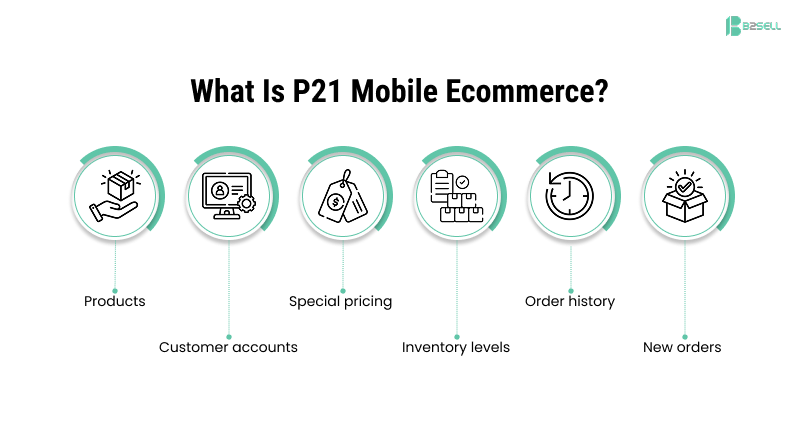
What Syncs Between Mobile App and P21
- Products
- Customer accounts
- Special pricing
- Inventory levels
- Order history
- New orders
This means users always see current data — not old exports.
How Real-Time Mobile Data Helps
Real-time sync is the most important part of p21 mobile ecommerce app design.
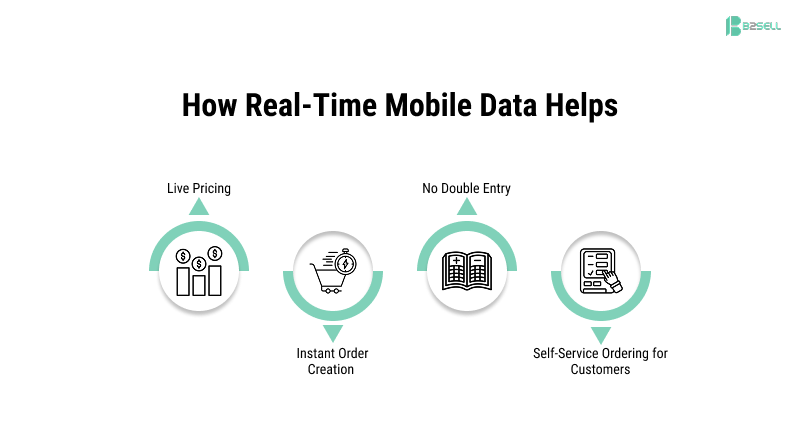
Live Pricing
When a user checks a price:
- The app reads P21 pricing rules
- Customer-specific pricing appears
- Contract pricing applies
- Discount tiers are respected
No guesswork.
Instant Order Creation
When an order is placed:
- It goes into P21 quickly
- Inside teams can process it right away
- Fulfillment starts sooner
No Double Entry
Without mobile integration:
- Orders are written
- Then typed again
- Then corrected
Mobile ordering removes duplicate entry and reduces errors.
Self-Service Ordering for Customers
A modern prophet 21 mobile e-commerce setup is not just for your employees. It also supports customer self-service.
Customers can:
- View past orders
- Reorder quickly
- Check invoices
- Track orders
- Review account details
This reduces support calls and saves staff time.
B2Sell: The Easy Way to Connect P21 to Mobile
B2Sell provides a purpose-built mobile solution for Prophet 21 distributors. It is designed for B2B complexity, not simple retail catalogs.
B2Sell connects your ERP rules to a clean mobile interface.
Learn more here: https://www.b2sell.com/mobile-apps-for-p21
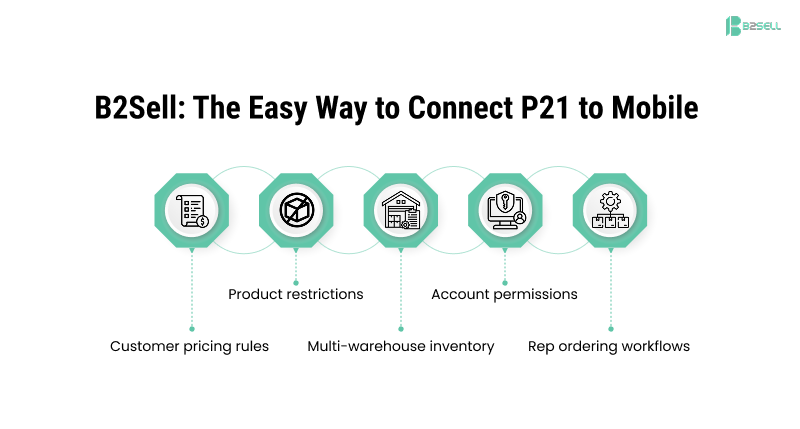
The system understands:
- Customer pricing rules
- Product restrictions
- Multi-warehouse inventory
- Account permissions
- Rep ordering workflows
Top Features of the B2Sell P21 Mobile Ecommerce App
.png)
Barcode Scanning
Users can scan product barcodes using their phone camera.
This helps with:
- Warehouse ordering
- Field replacement parts
- Fast SKU lookup
Offline Order Building
Internet is not always available in the field.
The B2Sell app allows:
- Offline cart building
- Draft order saving
- Later sync when online
Sales do not stop due to weak signal.
Customer-Specific Product Views
Each user sees only what applies to them.
This includes:
- Allowed product lines
- Contract items
- Correct pricing
- Approved catalogs
Easy Reordering
Repeat orders are common in distribution.
The app supports:
- One-click reorder
- Order templates
- Saved lists
- Favorites
This speeds up buying.
Invoice and Account Access
Users can:
- View invoices
- Download documents
- Check balances
- Review statements
This reduces accounting calls.
Mobile Product Catalog
The app shows:
- Product images
- Descriptions
- Specs
- Categories
This improves buying confidence.
How B2Sell Helps Your Sales Team
Field sales reps gain strong mobile tools.
Instead of taking notes and calling inside sales later, they can build orders on the spot.
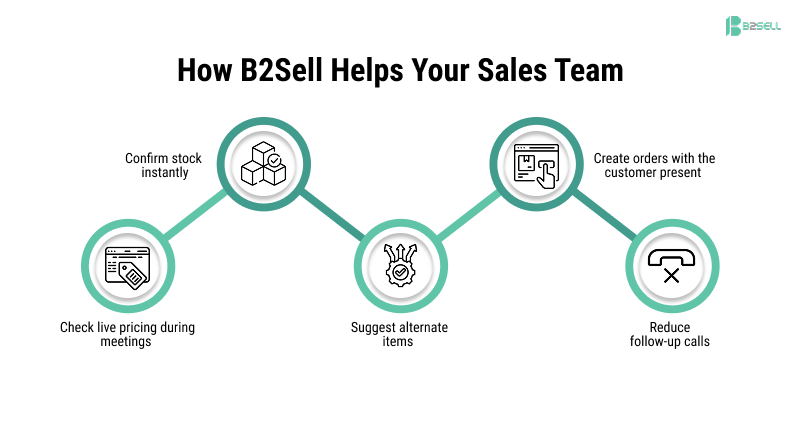
Sales Rep Benefits
- Check live pricing during meetings
- Confirm stock instantly
- Suggest alternate items
- Create orders with the customer present
- Reduce follow-up calls
This makes reps faster and more professional.
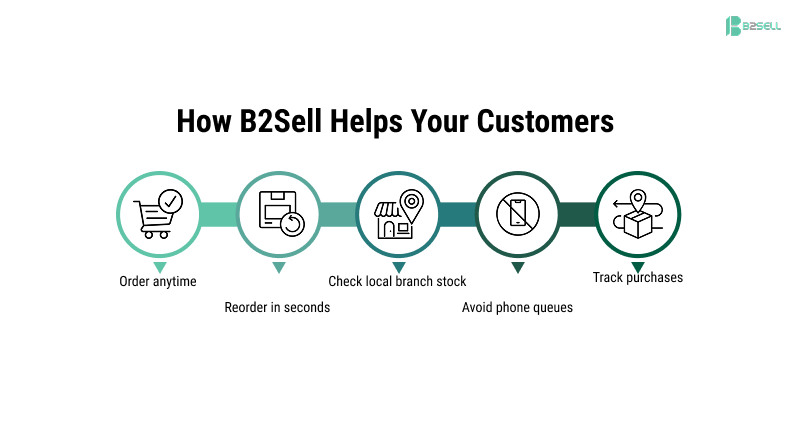
How B2Sell Helps Your Customers
Customers want speed and control. Mobile ordering gives them both.
Customer Benefits
- Order anytime
- Reorder in seconds
- Check local branch stock
- Avoid phone queues
- Track purchases
Convenience increases loyalty.
How B2Sell Connects to Your P21 System
B2Sell uses a secure connector layer to integrate with Prophet 21.
Smart Connector Layer
The connector handles:
- Data exchange
- Rule enforcement
- Field mapping
- Secure requests
Changes in P21 appear in the app.
Examples:
- New products show automatically
- Price updates sync
- Inventory updates refresh
Security and Permission Control
Security follows your P21 setup.
If a user cannot see data in P21, they cannot see it in the app.
You control:
- User roles
- Data visibility
- Pricing access
- Account access
Steps to Launch B2Sell P21 Mobile Ecommerce
Launching a p21 mobile ecommerce app is structured and clear.
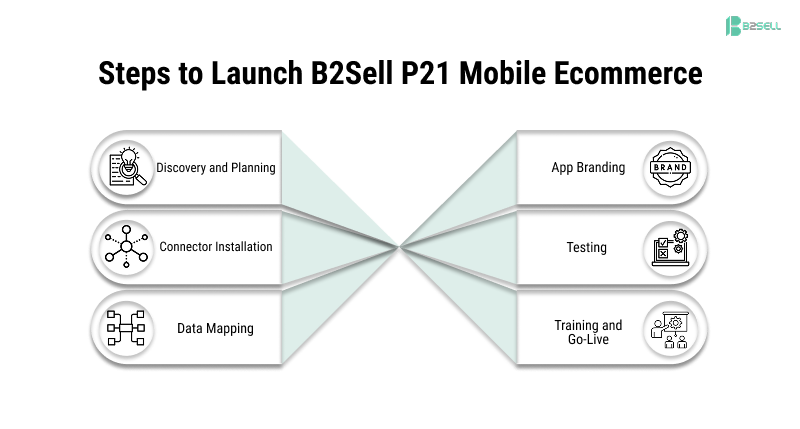
Step 1 — Discovery and Planning
- Review your P21 setup
- Understand pricing rules
- Define user roles
- Select features
Step 2 — Connector Installation
- Install B2Sell connector
- Configure secure access
- Enable endpoints
Step 3 — Data Mapping
- Map products
- Map customers
- Map pricing
- Map inventory sources
Step 4 — App Branding
- Add logo
- Apply brand colors
- Configure layout
Step 5 — Testing
- Test pricing accuracy
- Test orders
- Test inventory checks
- Test permissions
Step 6 — Training and Go-Live
- Train sales reps
- Train internal staff
- Launch in phases
Key Benefits Summary
Using p21 mobile ecommerce with B2Sell delivers:
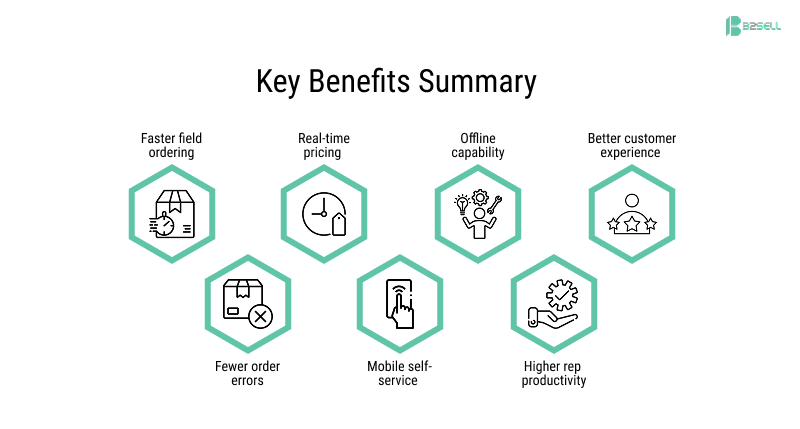
- Faster field ordering
- Fewer order errors
- Real-time pricing
- Mobile self-service
- Offline capability
- Higher rep productivity
- Better customer experience
FAQ
What is p21 mobile ecommerce?
It is a mobile ordering app connected to Epicor Prophet 21 with real-time pricing, inventory, and order sync.
Who should use a p21 mobile ecommerce app?
Distributors, field sales teams, and repeat B2B buyers.
Does B2Sell support Prophet 21 mobile e-commerce?
Yes. B2Sell provides a fully integrated mobile ordering app for Prophet 21.
Can mobile orders follow P21 pricing rules?
Yes. Customer-specific pricing and contracts are applied automatically.
Does the app work offline?
Yes. Users can build orders offline and sync later.
Do customers see their special pricing?
Yes. Pricing comes directly from P21 rules.
Can product visibility be controlled?
Yes. Visibility follows your P21 setup.
Does it support iOS and Android?
Yes. It works on both platforms.
Do orders go directly into P21?
Yes. Orders sync into Prophet 21 quickly after submission.
Conclusion: Why P21 Mobile Ecommerce Matters
Distribution is moving faster every year. Manual and desk-only ordering slows growth. A strong p21 mobile ecommerce strategy gives your team and customers the speed they expect.
With B2Sell integration, your Prophet 21 system becomes mobile-ready. Orders happen faster. Errors drop. Customers stay happier.
Mobile ordering is no longer optional — it is a competitive advantage.
📲 Ready to Enable P21 Mobile Ecommerce?
Give your team and customers simple mobile ordering powered by your ERP.
✅ Request a Demo
✅ Book Strategy Call
✅ Download Mobile Ordering Checklist
B2Sell makes prophet 21 mobile e-commerce simple, secure, and ready for real distributor workflows.
.png)
.png)
.png)


.png)